




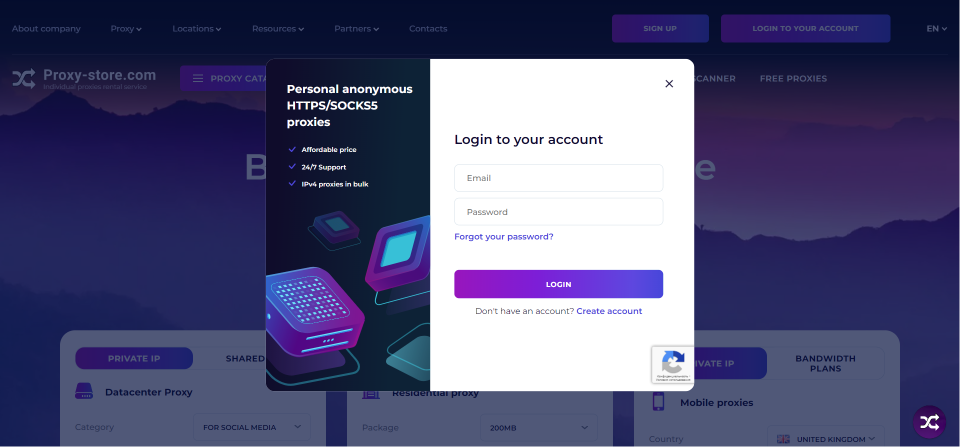
1. Enter your account data and press Login.
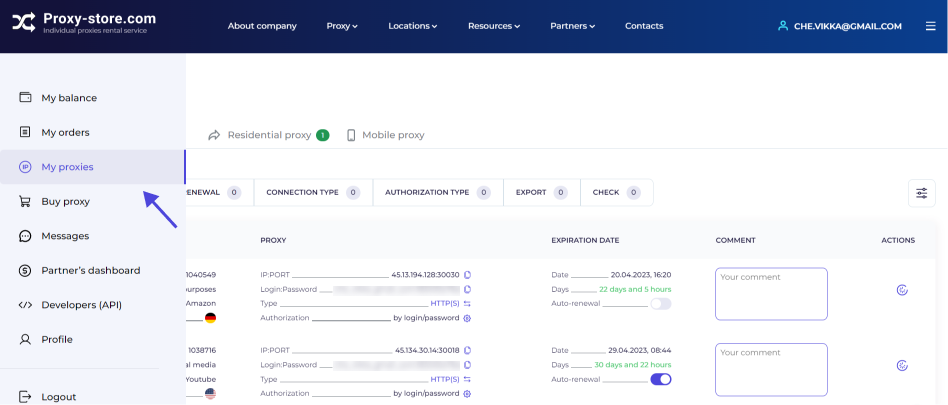
2. Open the My proxies tab.
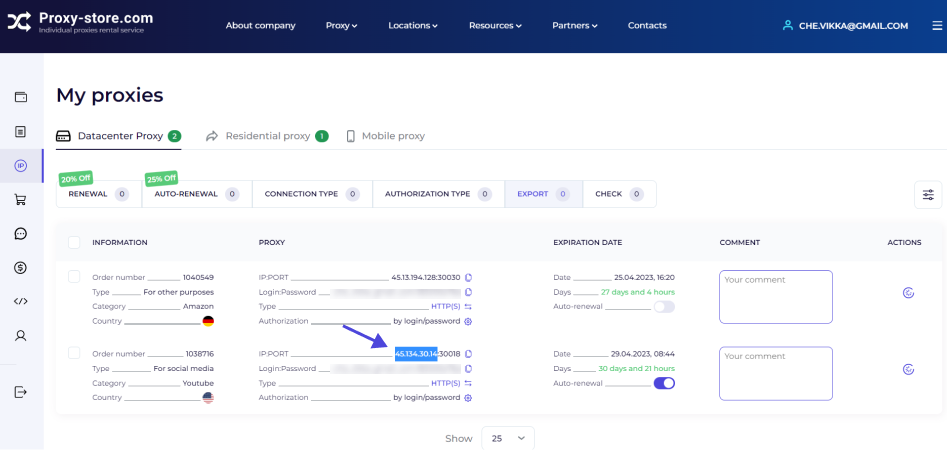
3. Copy the number of the IP you need to check.
4. Go to maxmind.com. It is a source site that contains all the relevant data. Enter IP into the input.
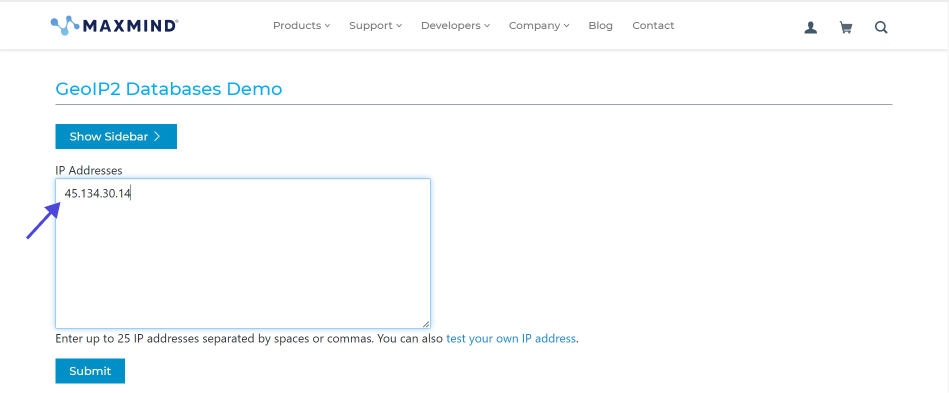
5. Click the Submit button and wait for the check results.
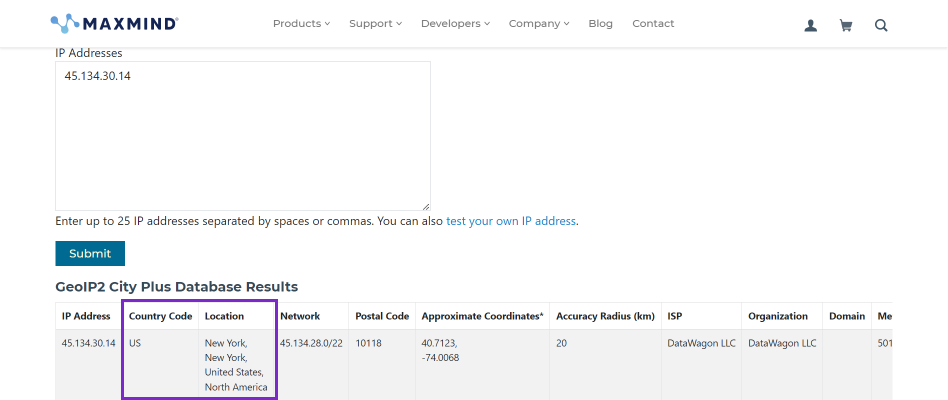
6. There might be a situation where the site on which the proxy is used identifies a different country. However, this does not negate the fact that the proxy location is correct. Sites don’t always update databases promptly and identify a country correctly. It can take up to two weeks
7. Several ways can correct the situation: check whether the VPN is turned off, clean cash and cookies, or try to connect a proxy in another browser
8. If it does not produce the results, contact technical support on the site to get a refund.
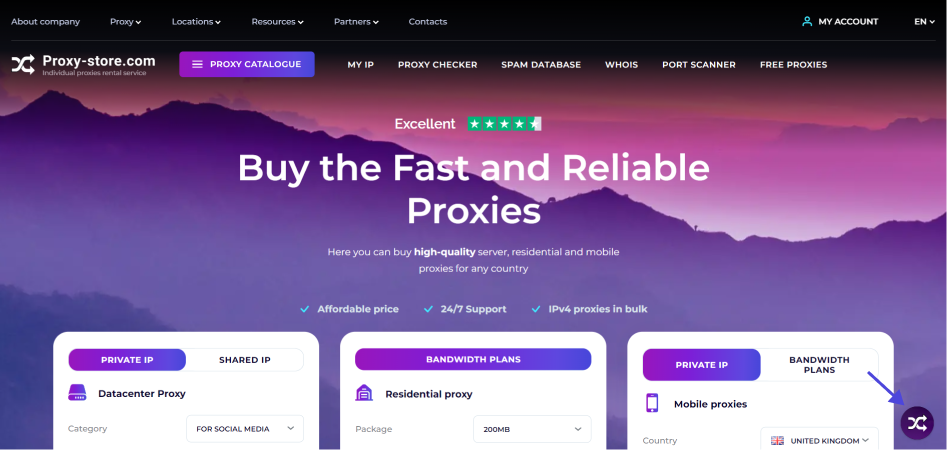
Have any questions? Contact us in the chat on the site (round icon at the bottom of the screen) — this is the fastest way to get help. We have switched to the 24/7 schedule, so we are in touch with you every day at any time.
Thank you for choosing the Proxy-Store!