




Important Note: This guide is applicable to datacenter proxies.
Residential and mobile bandwidth proxies have the HTTP connection type by default while also supporting SOCKS5. Select the required protocol in the software settings, and proxies will work.
Mobile unlimited proxies only support HTTP protocol at the moment.
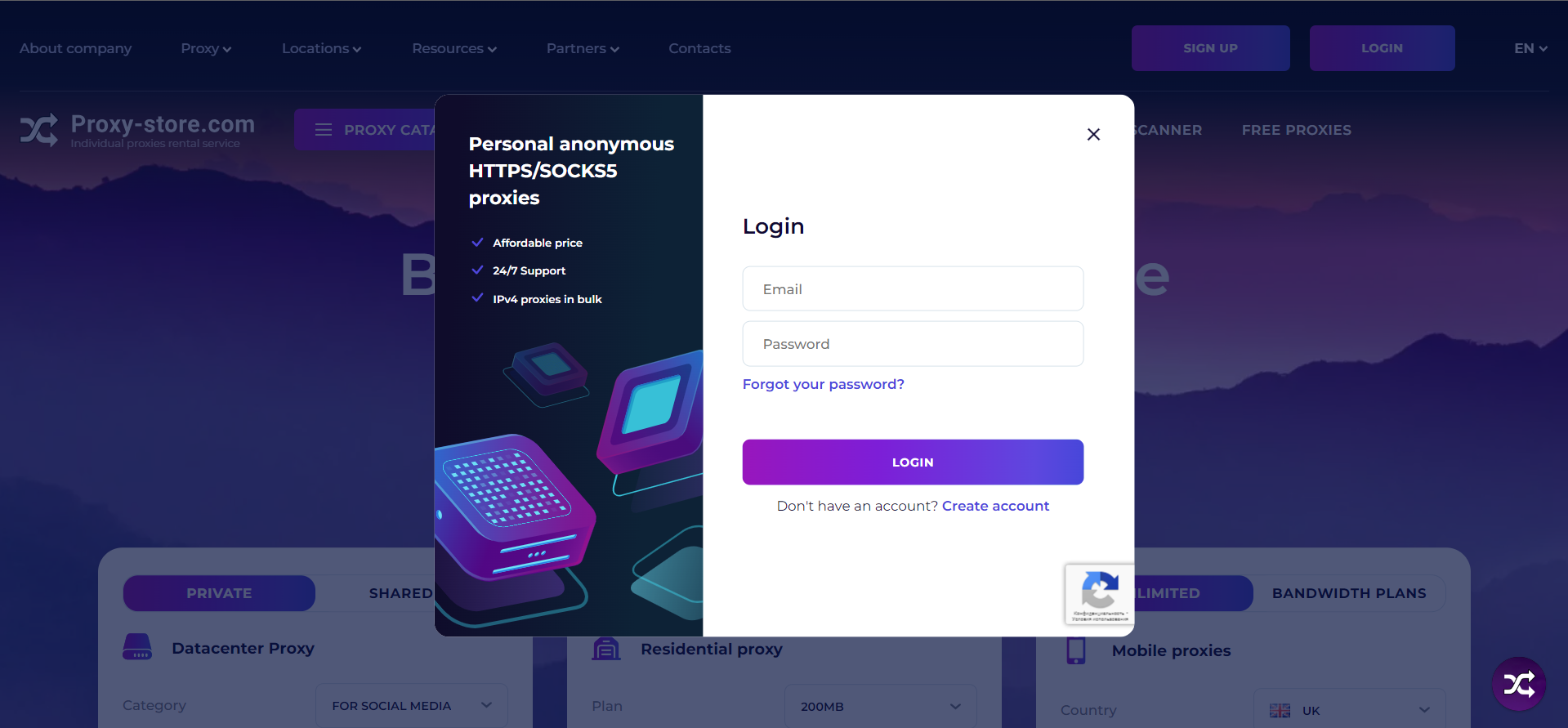
1. Enter your account information and click "Login.
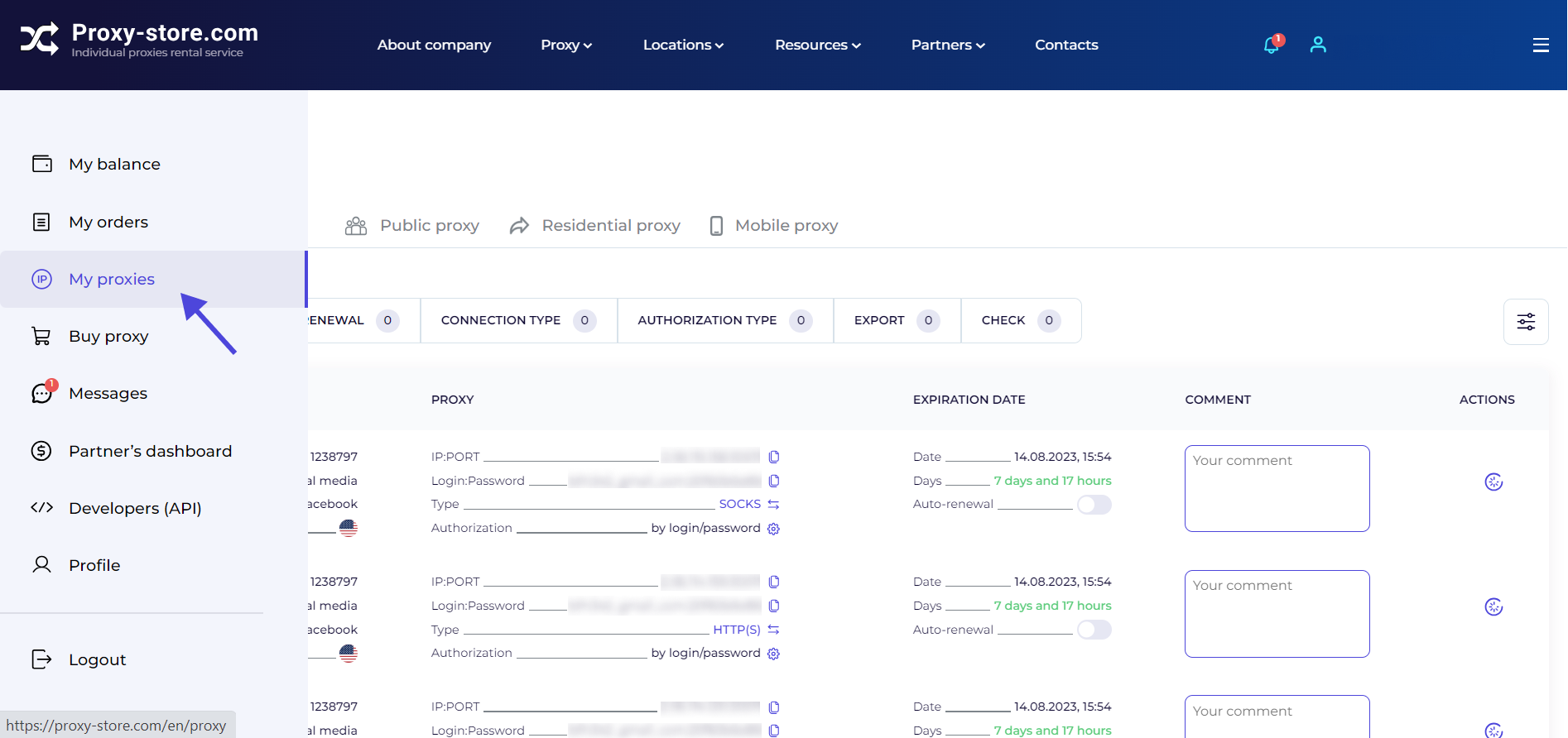
2. Open the “My proxies” tab.
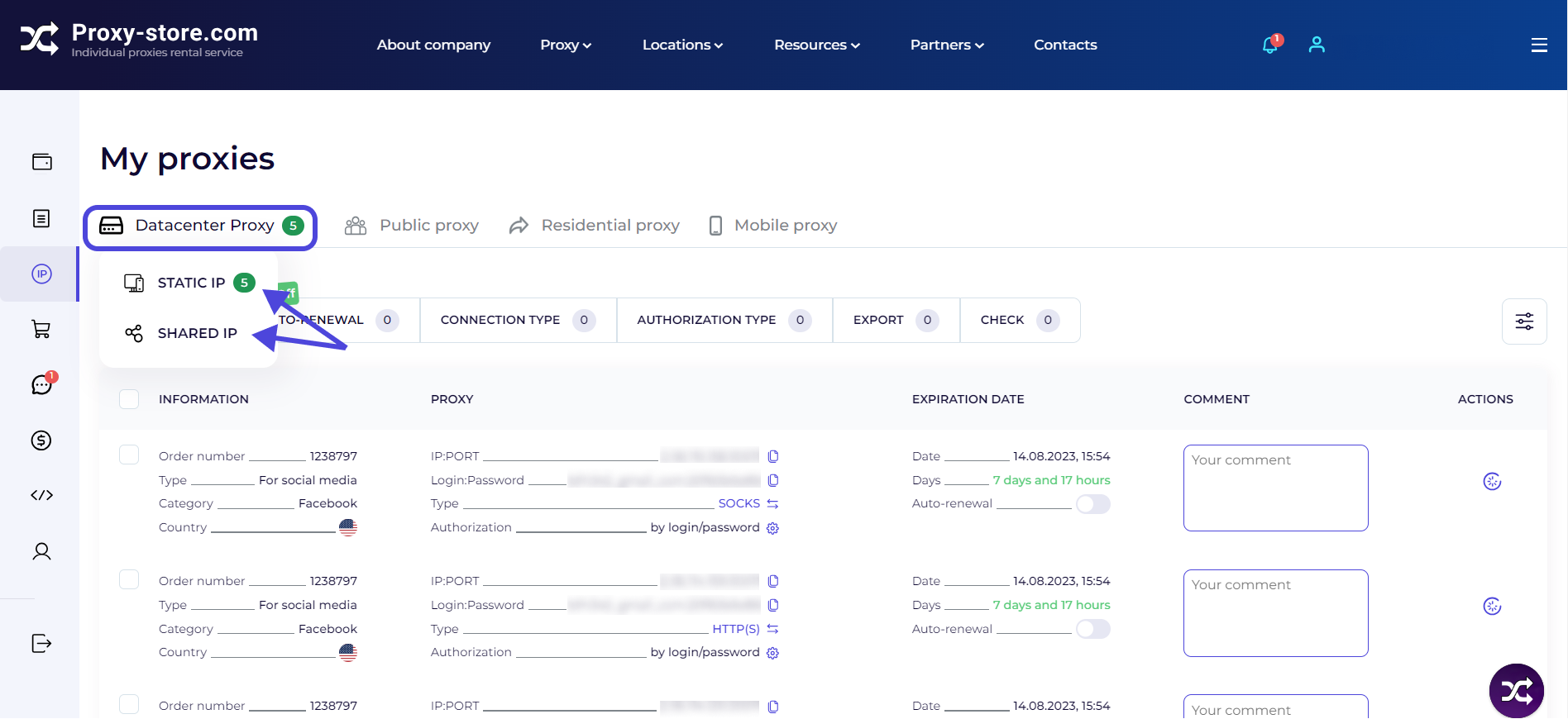
3. Go to the “Datacenter Proxy” section. Select the required category — “Static IP” (private) or “Shared IP”.
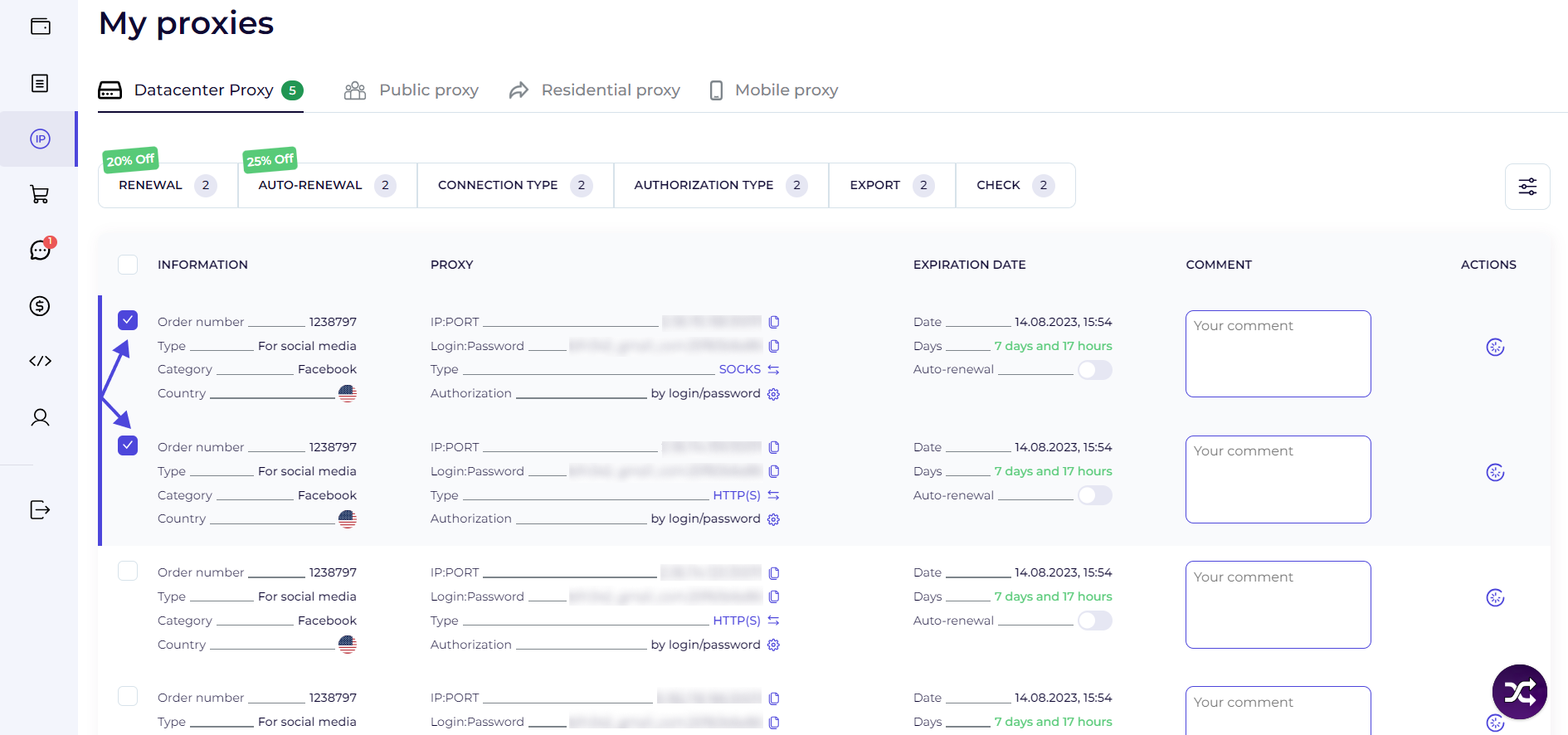
4. Check proxies for which you want to change the connection type. It is sufficient to check the box next to the required proxies .
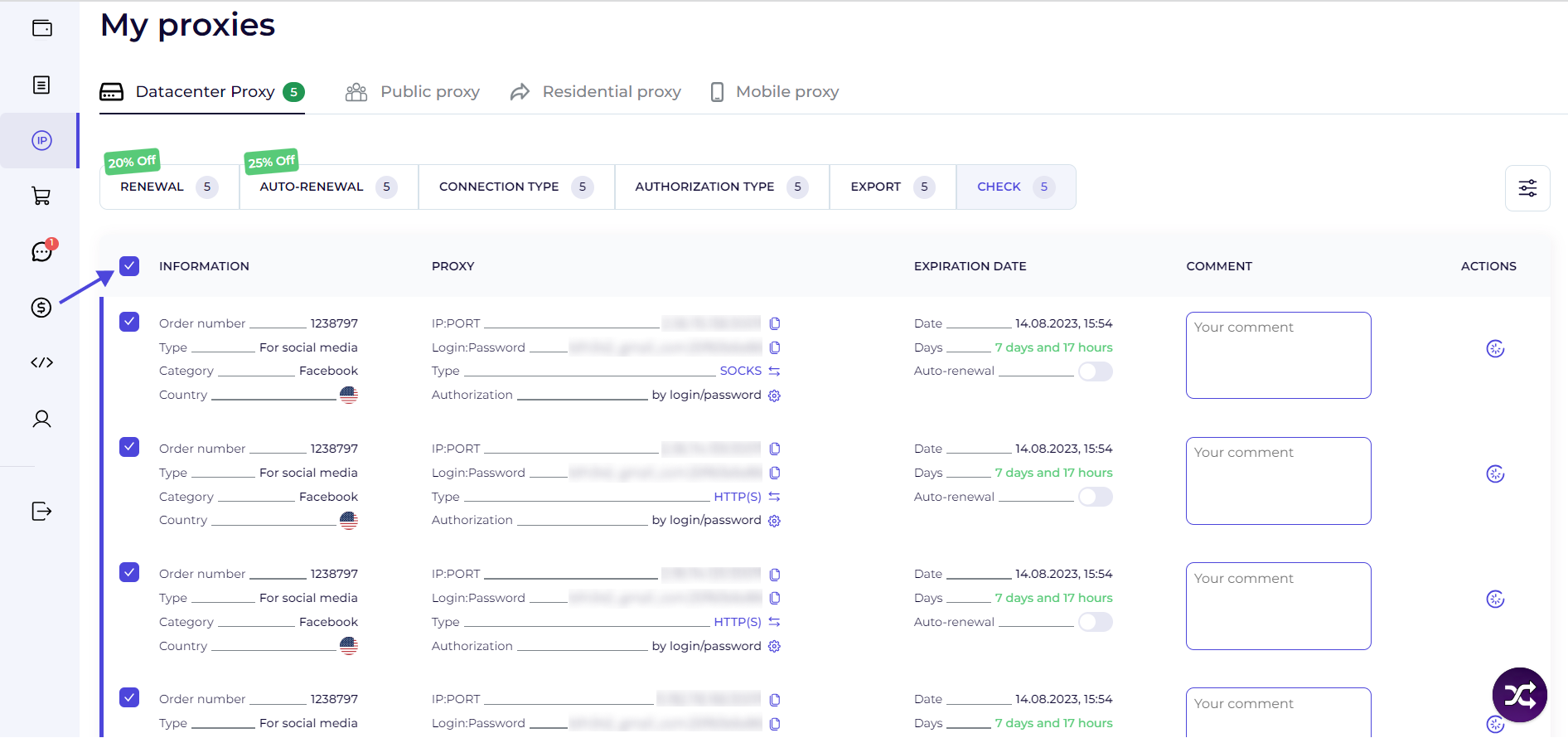
5. If you want to check all the proxies at once, check the “Information” box.
6. Click “Connection type” on the dashboard. Toggle one of the switches.
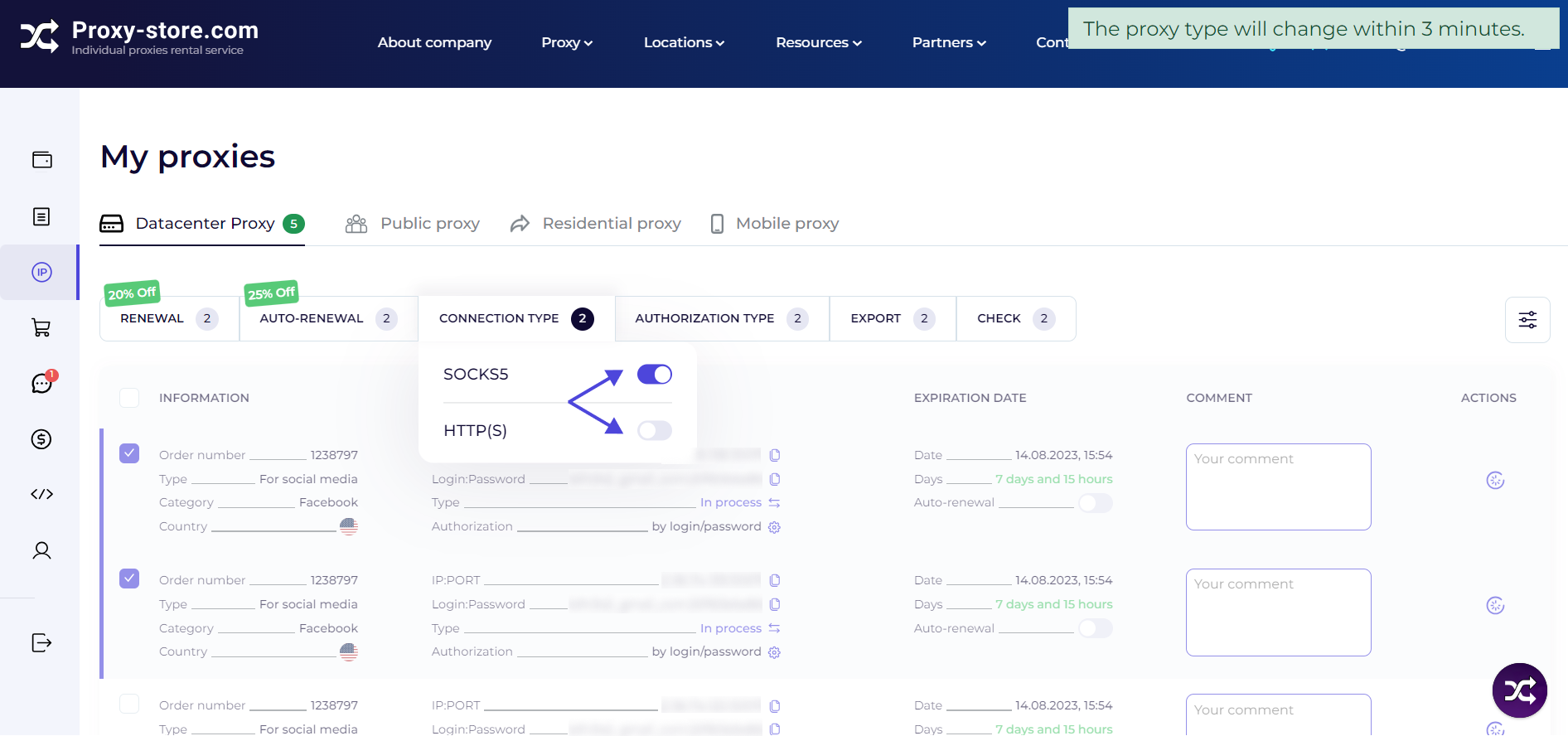
7. Proxy type changes within 3 minutes.
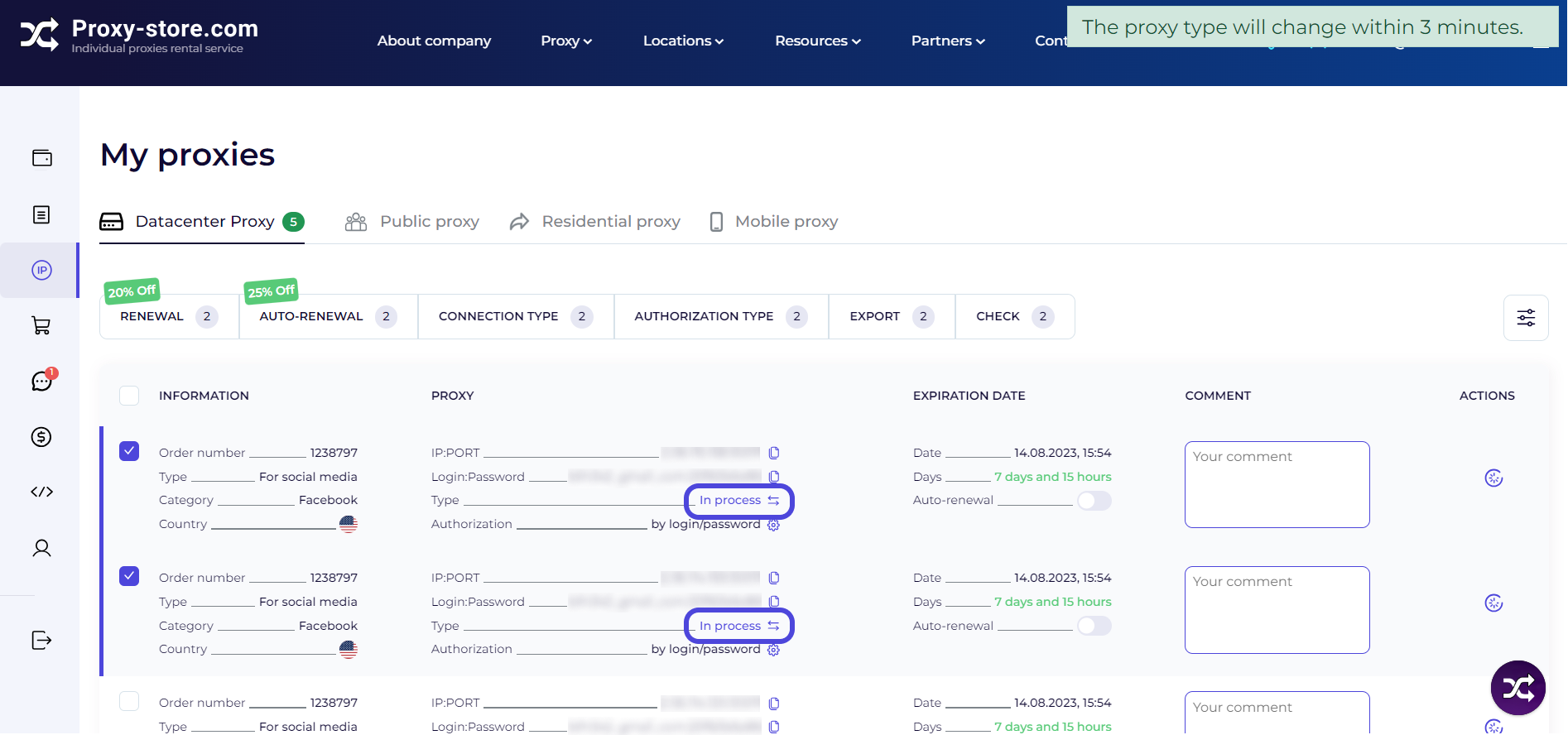
8. All done!
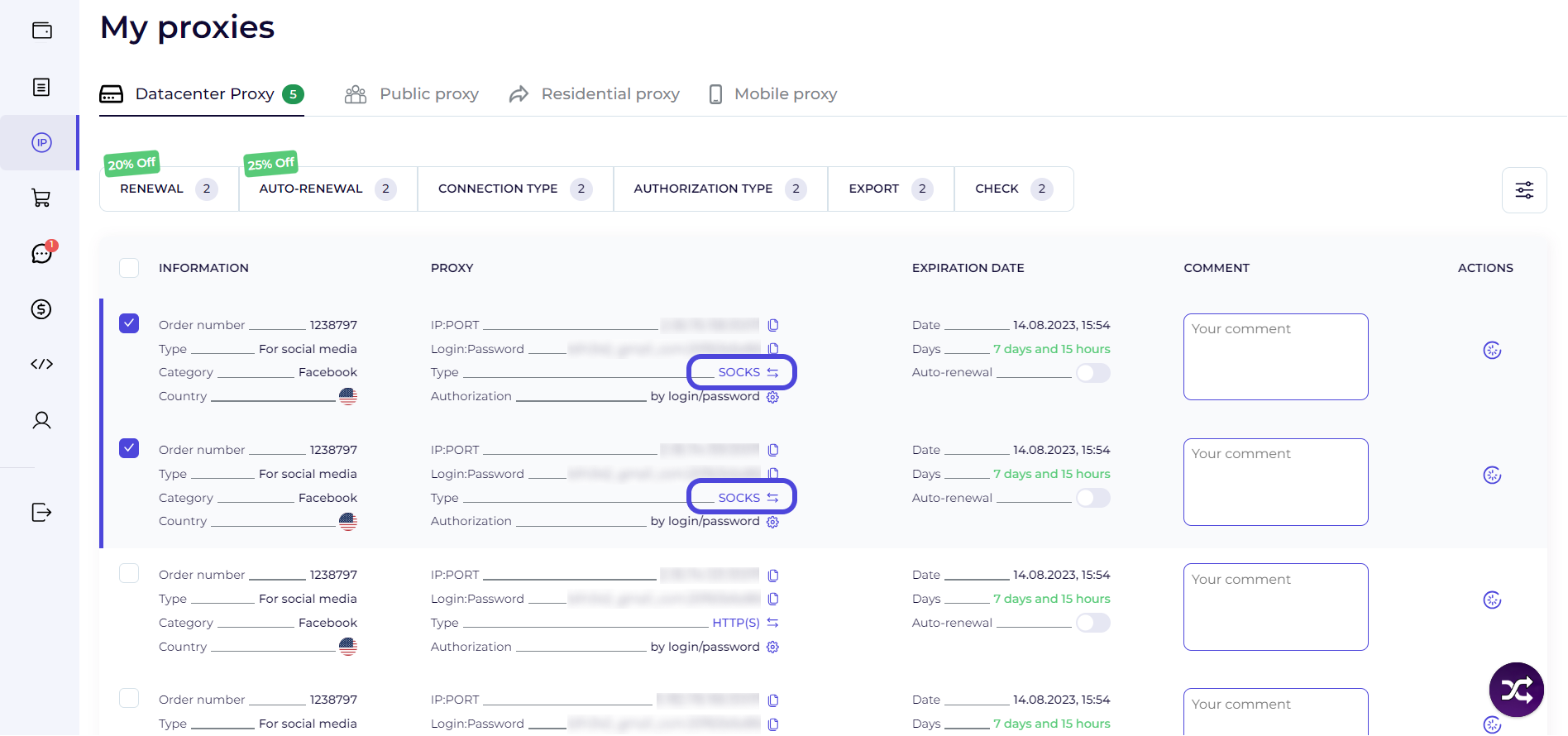
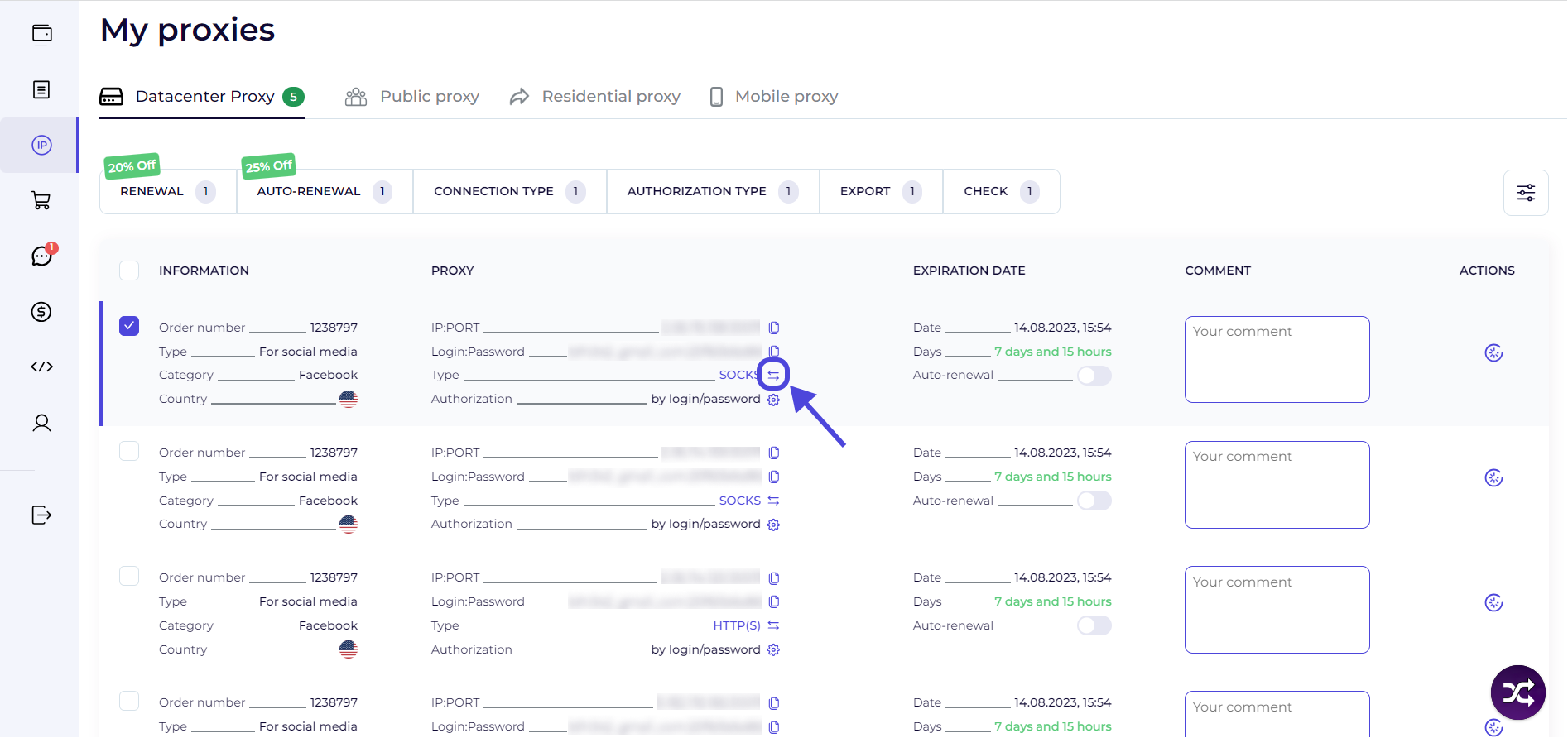
9. To change the connection type only for one proxy: click the specified button and wait for the change.